

Technician Edition Screen Shots

Below are some of the main screens of SUPERAntiSpyware Technician Edition.
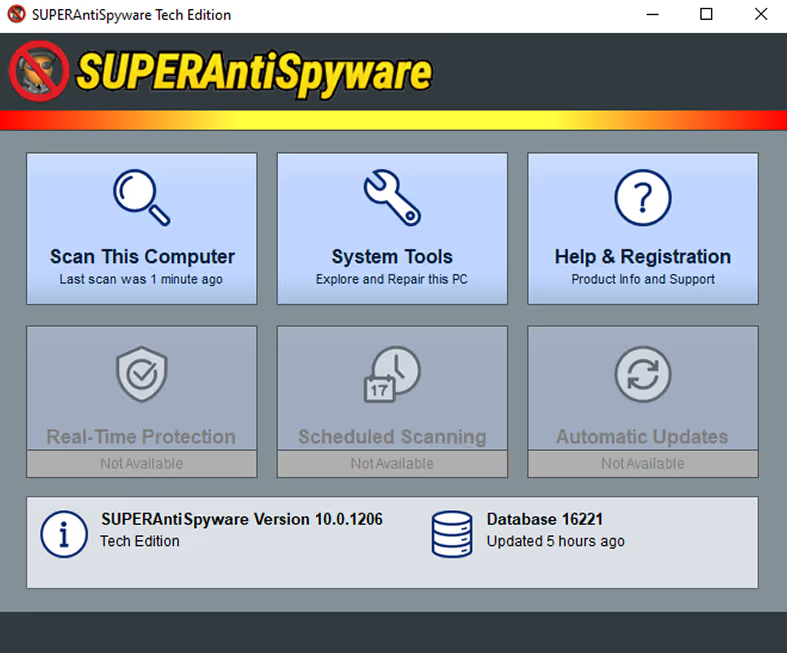
SUPERAntiSpyware Tech Edition interface showing options to Scan This Computer, System Tools, and Help & Registration, with Real-Time Protection, Scheduled Scanning, and Automatic Updates marked as not available, plus version and database info.

Main Interface

The main interface is easy to understand and easy to use. There are three buttons in the user interface that you can use to scan the computer, access advanced system tools and program settings, and find out more about the product through the help interface
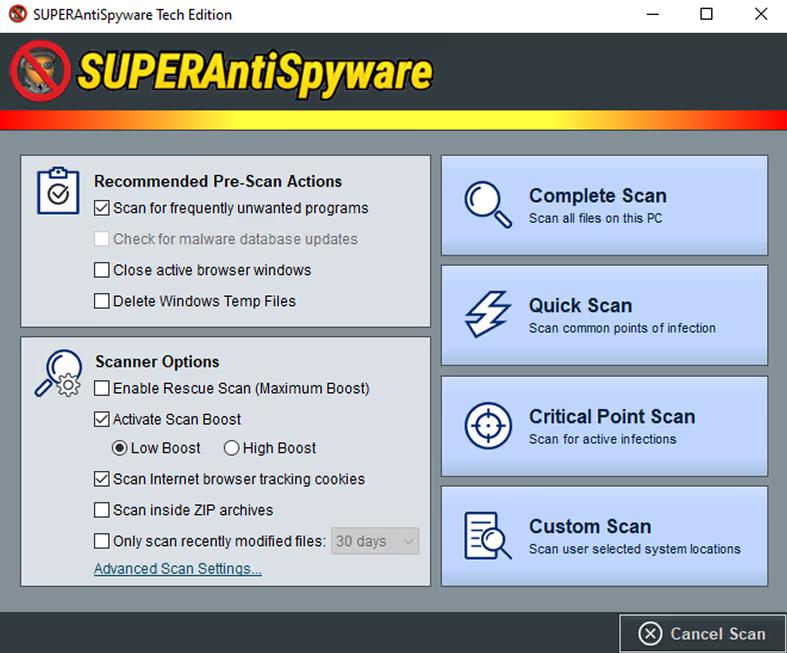
SUPERAntiSpyware software interface showing recommended pre-scan actions, scanner options, and scan types including Complete, Quick, Critical Point, and Custom Scan with a Cancel Scan button.

Scan Options & Types

Easily customize the scanner options and choose scan type before each scan
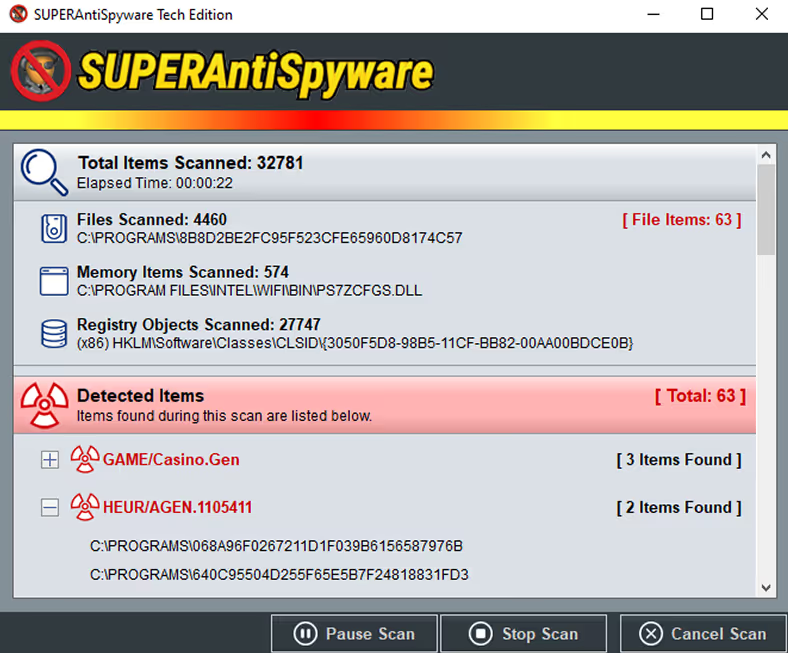
SUPERAntiSpyware scan results showing 32,781 total items scanned, 63 detected threats including GAME/Casino.Gen and HEUR/AGEN.1105411, with options to pause, stop, or cancel the scan.

Scanning Detail

The scanner shows detailed information about malicious items detected on a PC as the scan progresses
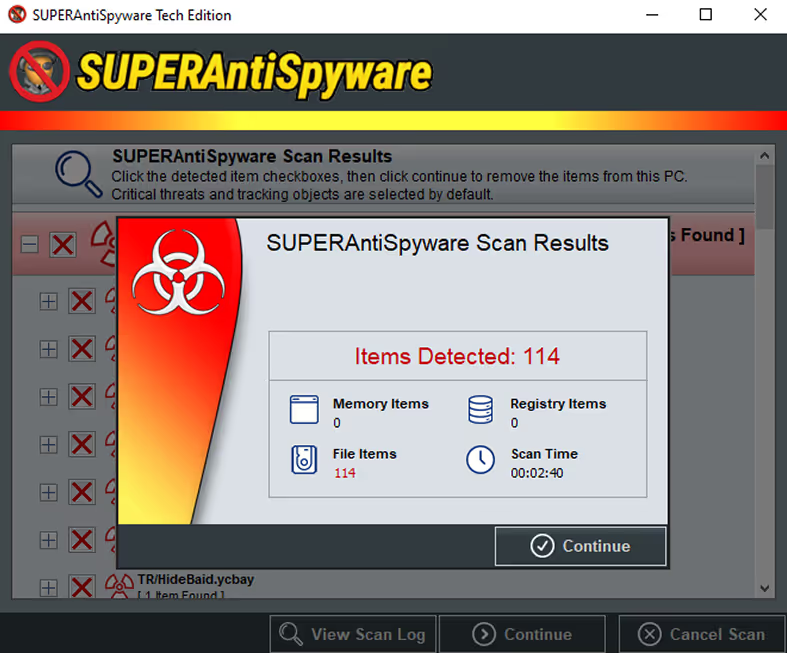
SUPERAntiSpyware scan results window showing 114 items detected, all file items, with scan time of 2 minutes 40 seconds.

Scan Results

SUPERAntiSpyware notifies you immediately after a scan with a helpful summary about any detected malware
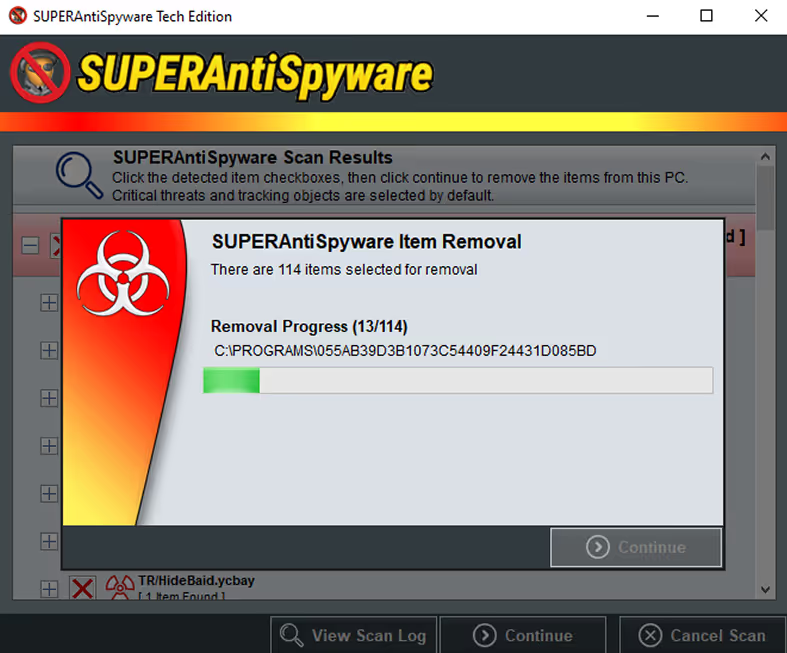
SUPERAntiSpyware software window showing item removal progress with a biohazard symbol and progress bar at 13 out of 114 items.

Malware Removal

Any detected threats are removed quickly and securely
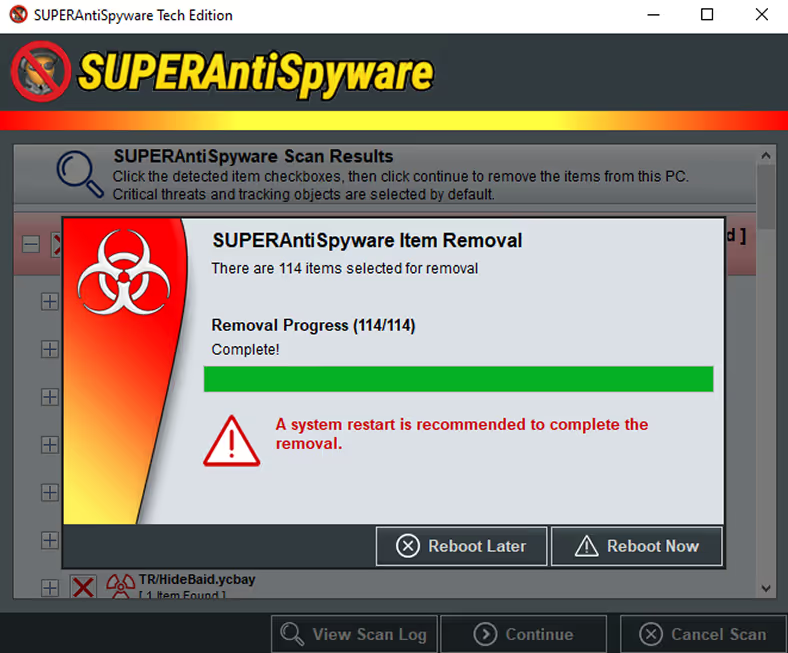
SUPERAntiSpyware window showing item removal complete for 114 items with a green progress bar and a red warning recommending system restart, and options to reboot now or later.

Removal Complete

SUPERAntiSpyware may recommened rebooting a PC to ensure complete removal of malware
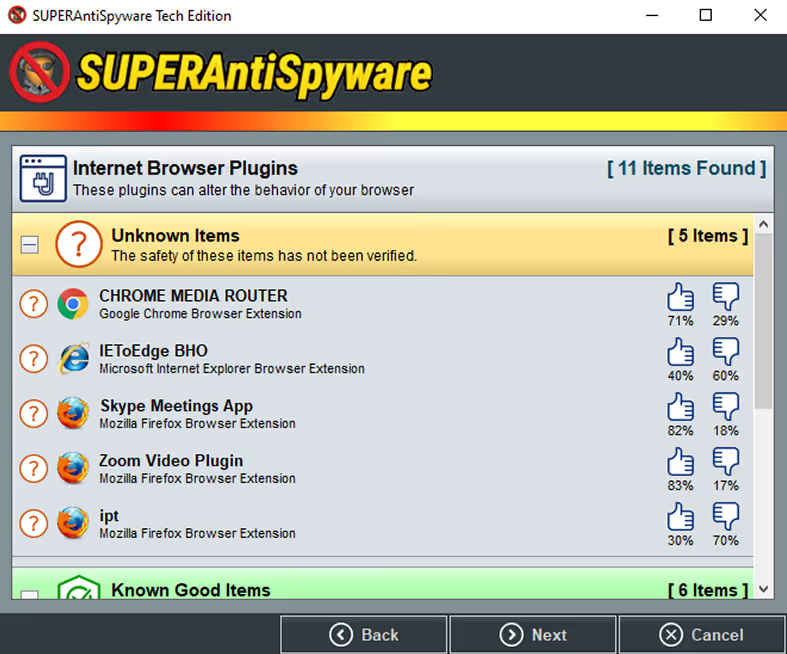
SUPERAntiSpyware window showing Internet Browser Plugins with 5 unknown items listed, including Chrome Media Router and Skype Meetings App, along with thumbs up and down ratings.

System Investigator

Learn about what's running on a PC in a helpful and informative way
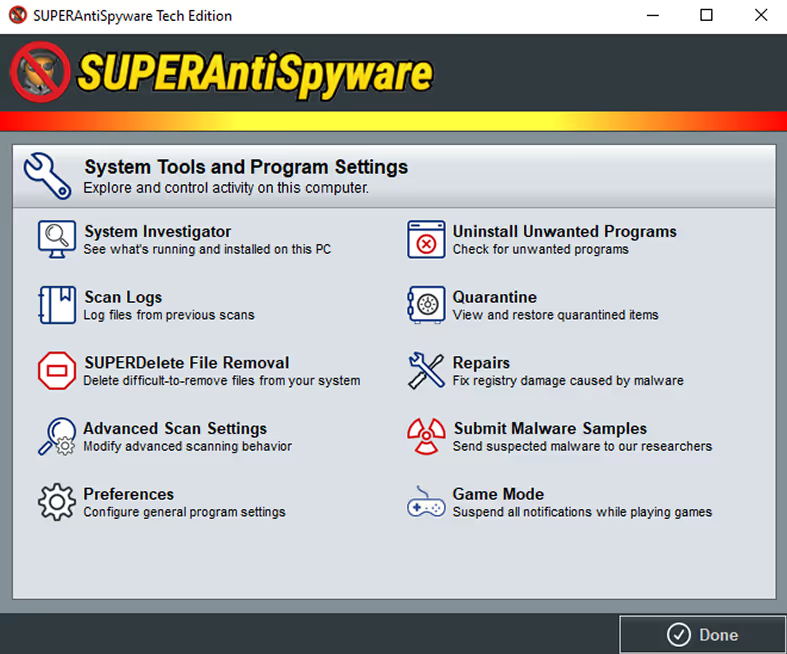
SUPERAntiSpyware Tech Edition interface showing System Tools and Program Settings with options like System Investigator, Uninstall Unwanted Programs, Scan Logs, Quarantine, SUPERDelete File Removal, Repairs, Advanced Scan Settings, Submit Malware Samples, Preferences, and Game Mode, with a Done button at the bottom right.

System Tools & Program Settings

Adjust settings easily and quickly
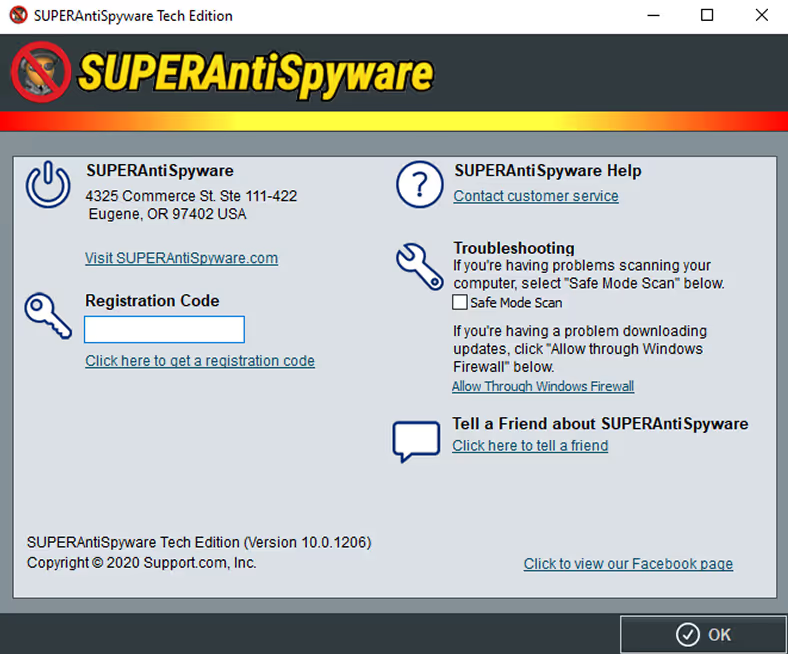
SUPERAntiSpyware Tech Edition help window displaying registration code entry, customer service link, troubleshooting tips, and friend referral option.

Help

Access customer support and troubleshooting tools
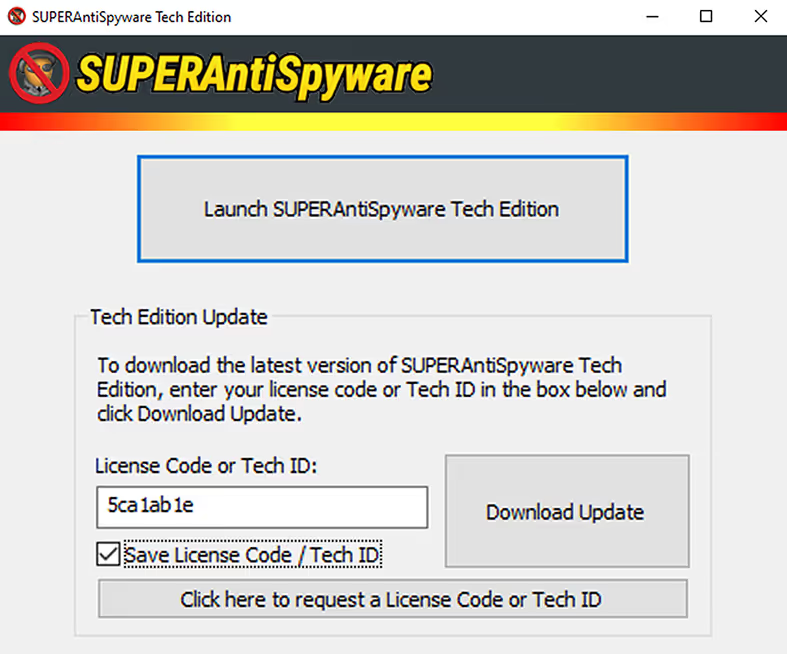
SUPERAntiSpyware Tech Edition update window showing input field for license code or tech ID and buttons to download update or request code.

Tech Updater

The integrated updater front-end makes sure that you are using the most recent Tech Edition scanner at all times