

Technician Edition Screen Shots
Below are some of the main screens of SUPERAntiSpyware Technician Edition.
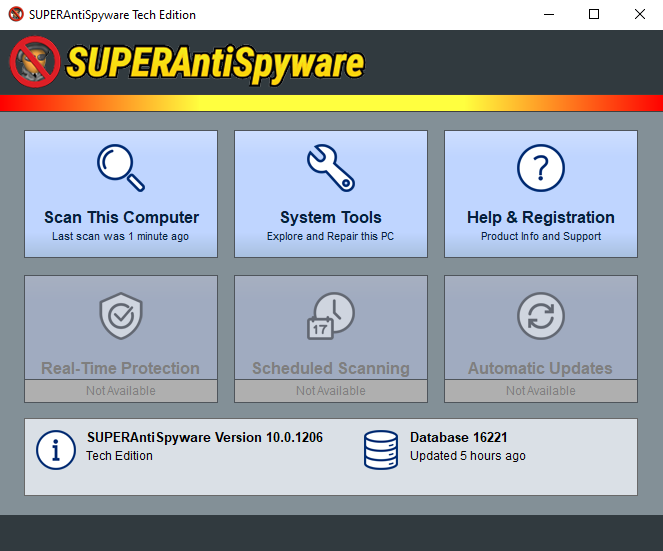
Main Interface
The main interface is easy to understand and easy to use. There are three buttons in the user interface that you can use to scan the computer, access advanced system tools and program settings, and find out more about the product through the help interface.
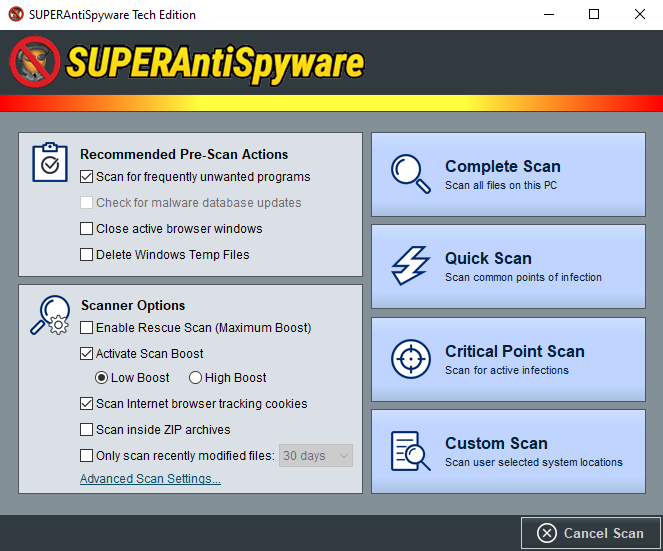
Scan Options & Types
Easily customize the scanner options and choose scan type before each scan
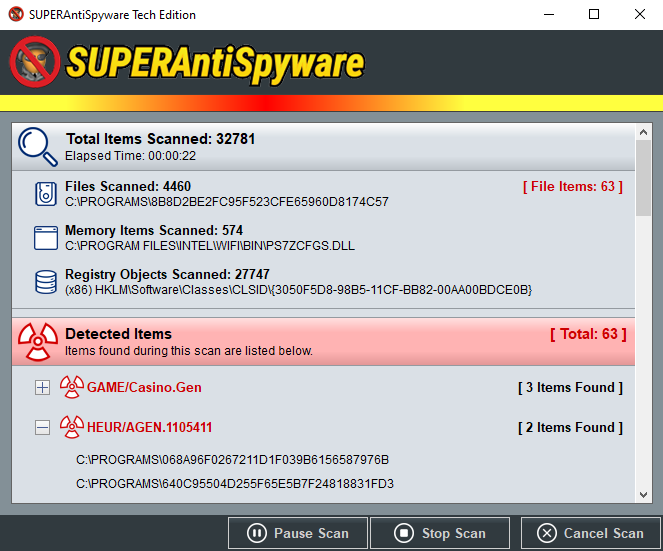
Scanning Detail
The scanner shows detailed information about malicious items detected on a PC as the scan progresses

Scan Results
SUPERAntiSpyware notifies you immediately after a scan with a helpful summary about any detected malware
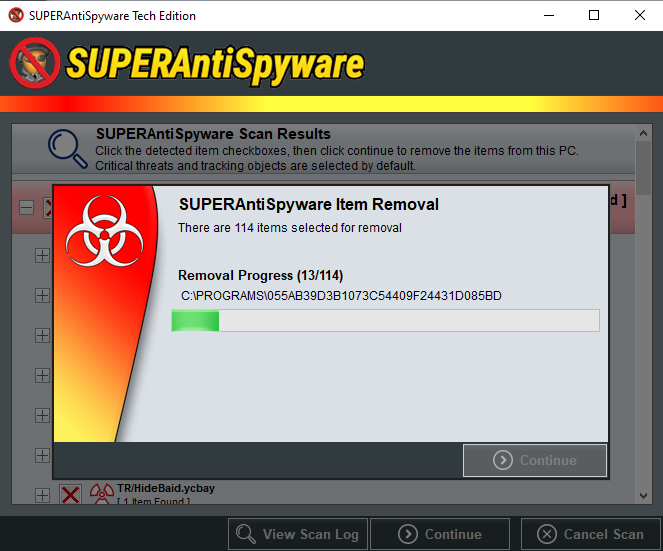
Malware Removal
Any detected threats are removed quickly and securely
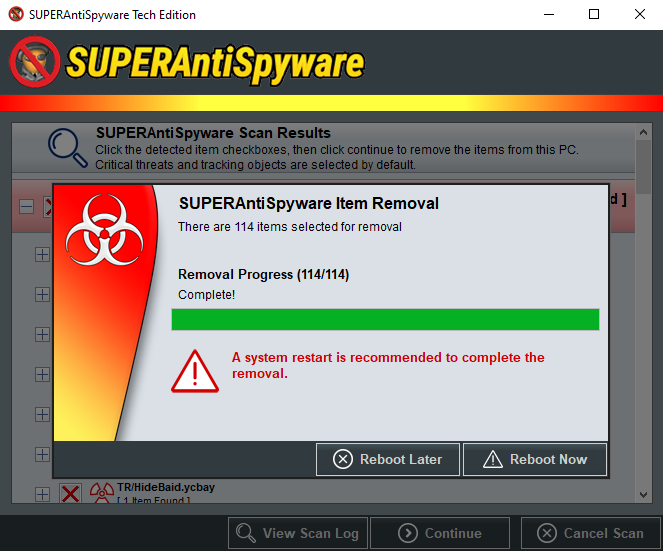
Removal Complete
SUPERAntiSpyware may recommened rebooting a PC to ensure complete removal of malware
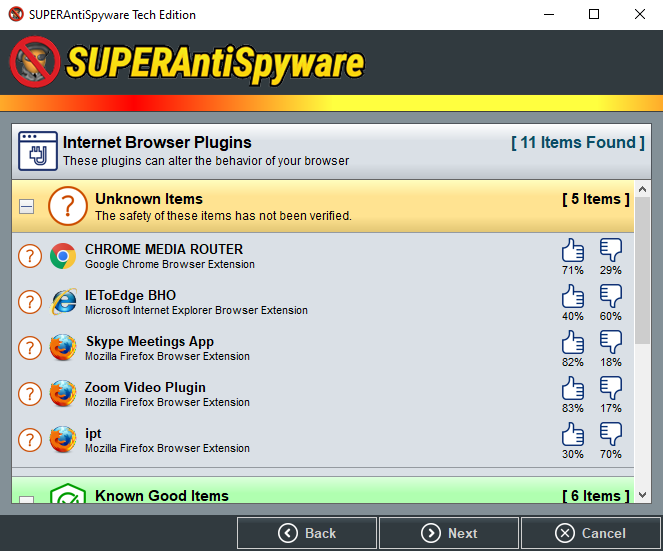
System Investigator
Learn about what's running on a PC in a helpful and informative way

System Tools &
Program Settings
Adjust settings easily and quickly
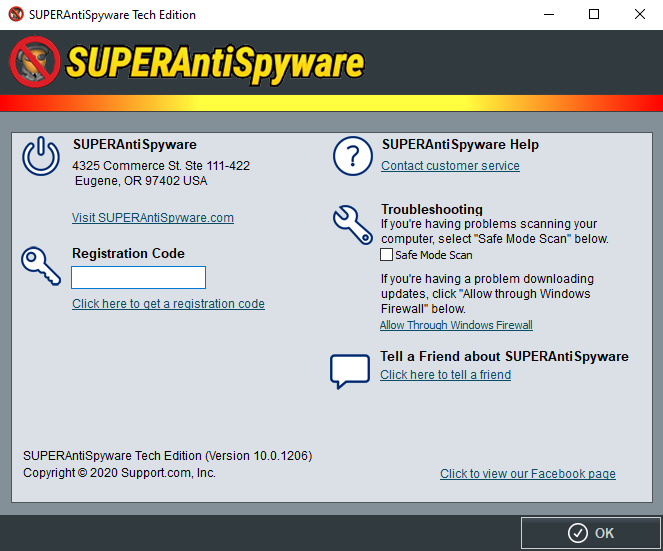
Help
Access customer support and troubleshooting tools

Tech Updater
The integrated updater front-end makes sure that you are using the most recent Tech Edition scanner at all times